The Cloud Solution Provider program from Microsoft is a great way for partners to bundles their managed services with Microsoft first-party cloud services like Azure. CSP partners use Partner Center to manage their customers by logging in using identities in their Azure AD tenant. This happens using a concept of Admin-on-behalf-of in CSP which allows them to manage their customer’s cloud services. Given that these identities have access to multiple customers, they are prime targets for bad actors. As such, partners frequently want to enable multi-factor authentication to help secure these identities. Azure AD supports this natively, however, there is some additional configuration necessary to ensure it is enforced when managing customer’s Azure environments. Follow these steps to enable MFA on a partner AAD tenant and enforce it when managing a customer’s AAD subscription.
Configure an AAD user for MFA
- To configure MFA on the partner’s AAD tenant, go to https://aad.portal.azure.com. Click on Azure Active Directory from the menu and then select Users. From the Menu bar, select Multi-factor Authentication.

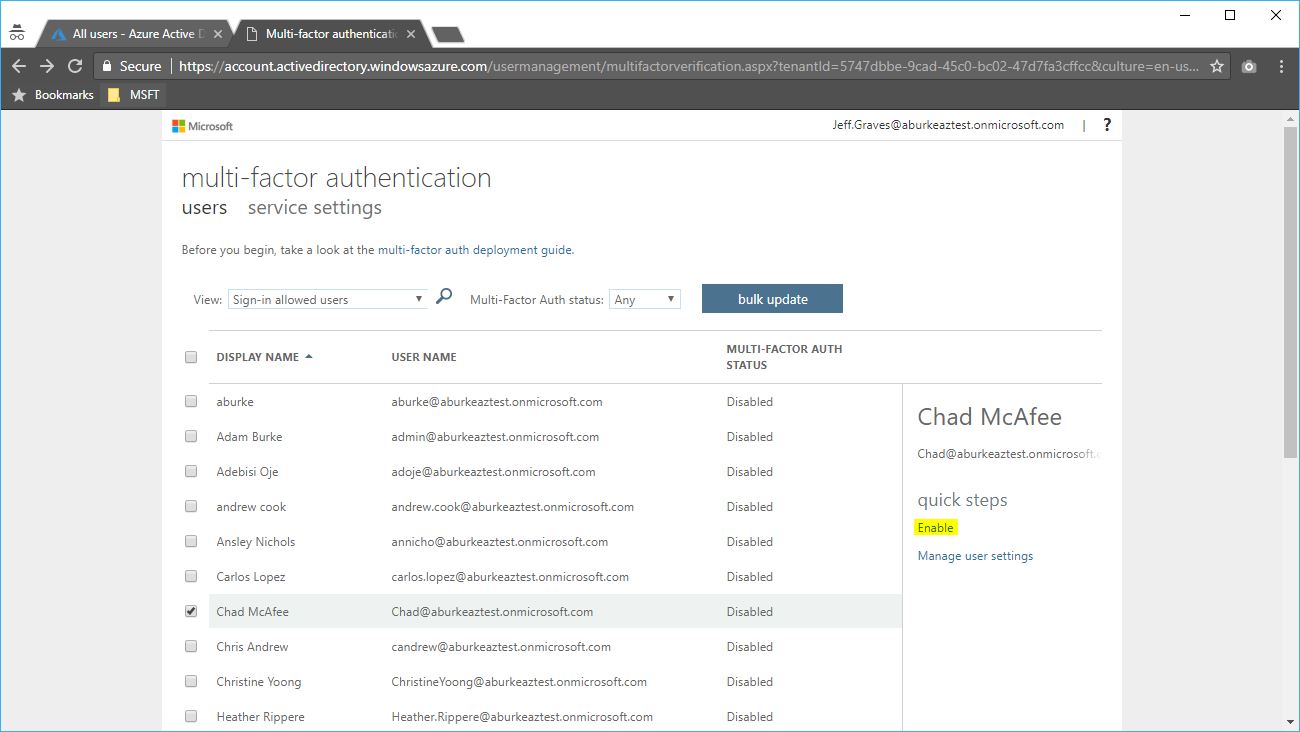
- This will open a new window to MFA settings for users. You can enable a specific user?by finding them from the list and selecting enable, or using the bulk update link at the top.
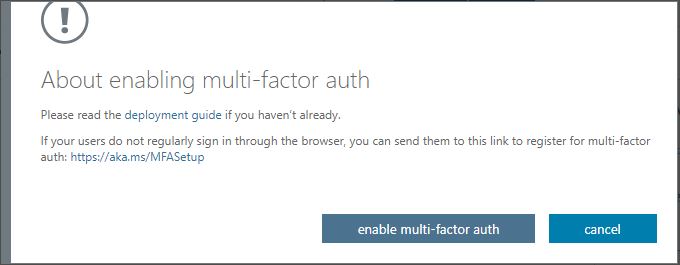
- Review the deployment guide, and select the enable multi-factor auth button when prompted.
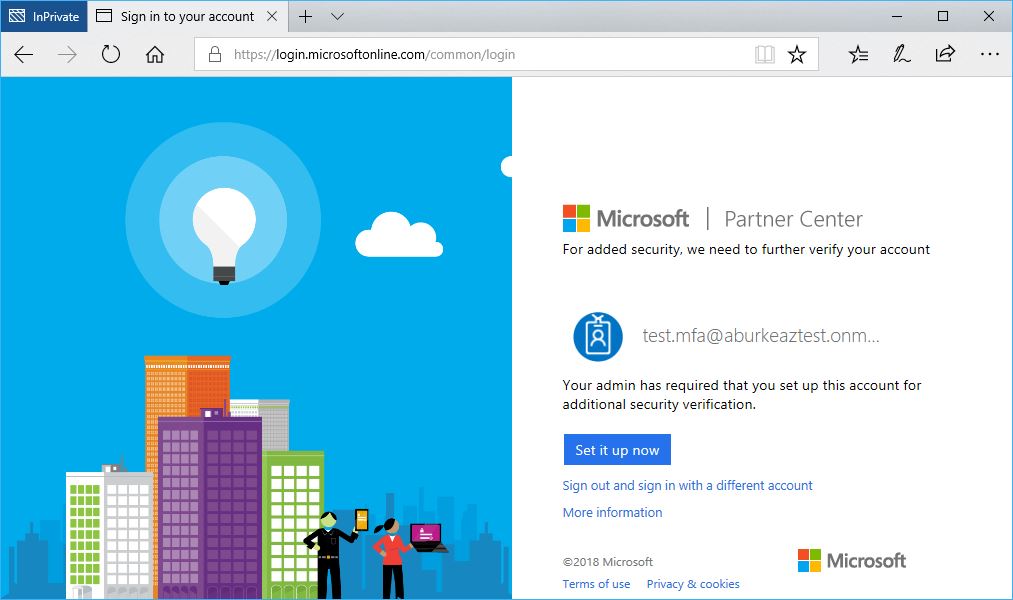
- The next time the user logs in, they will be prompted to configure MFA.
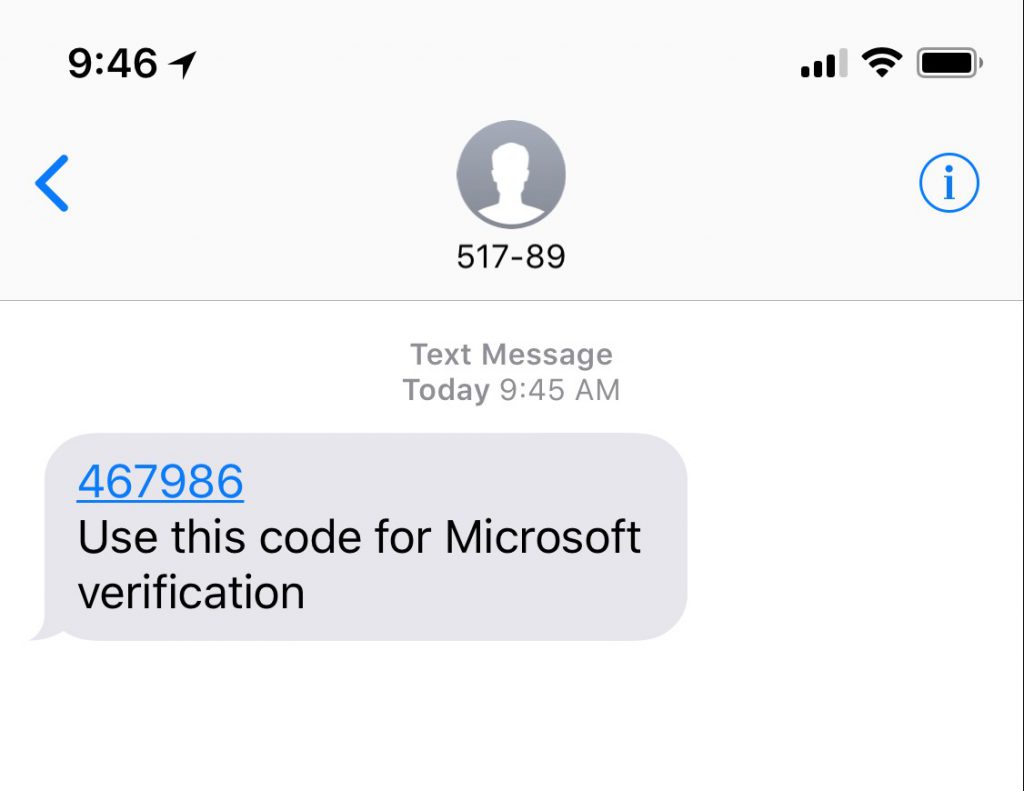
- The user can choose to receive a phone call, SMS text message or use the Mobile Application for multi-factor auth.

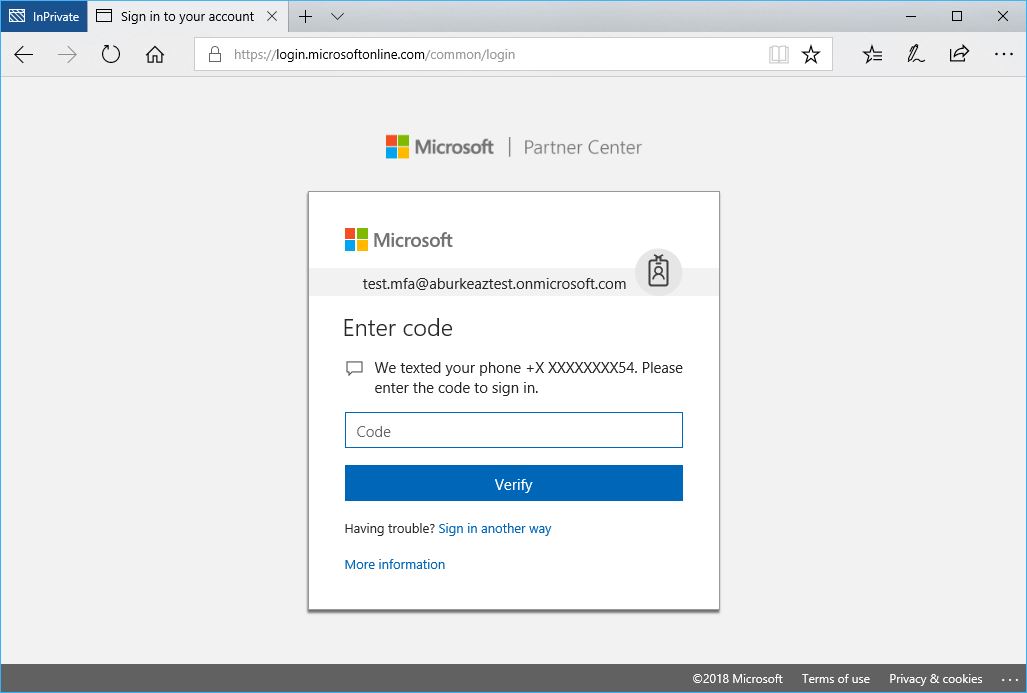
- Now when the user logs in to Partner Center they will be prompted for multi-factor authentication and receive a notification per their preferred MFA settings.
Enforce MFA on a customer’s tenant
Even though we have configured MFA for the partner’s AAD user, we need to ensure it is enforced when managing the customer’s Azure subscription. This gets tricky with CSP and Admin-on-behalf-of – because the user will be managing a customer’s Azure environment, it’s the customer’s MFA settings that will decide whether MFA is necessary for logins. This means we need to create a conditional access policy in the customer’s Azure subscription in order for MFA to be applied to partner’s users. To set this up for the customer, they need at least 1 license of Azure AD Premium provisioned for their tenant.
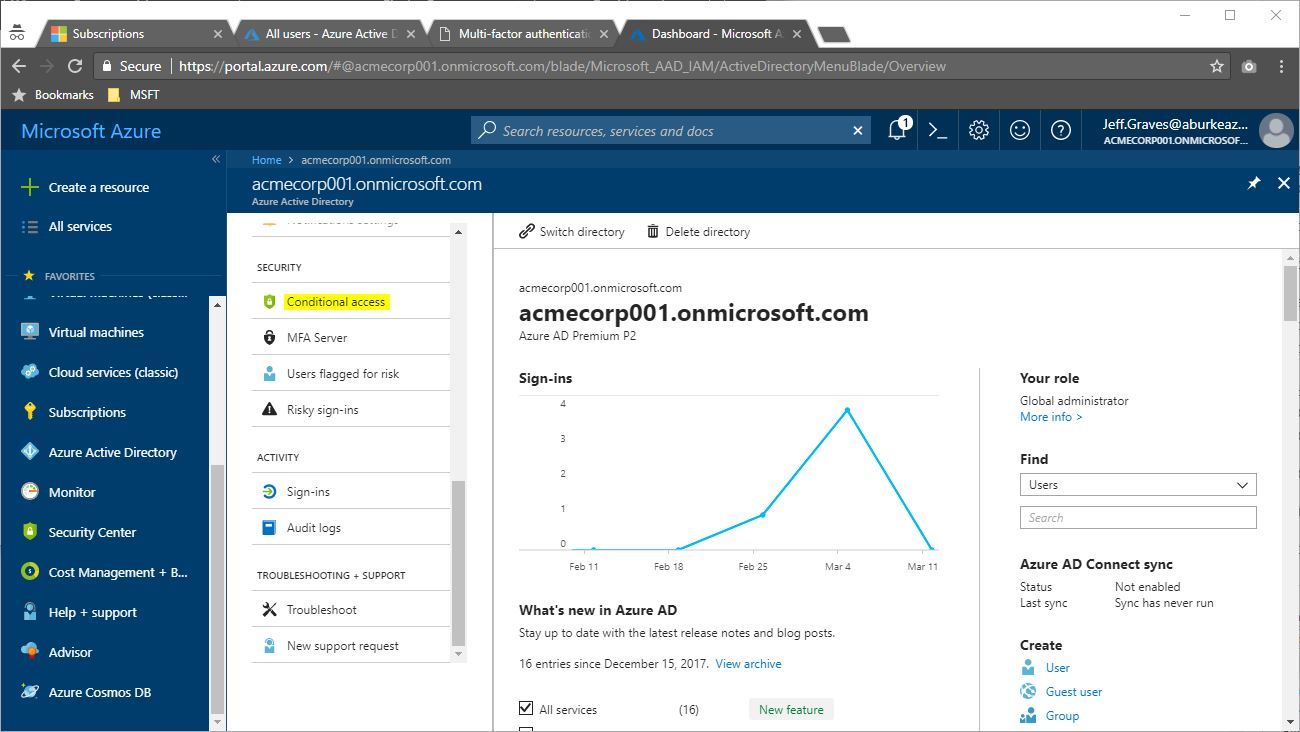
- To configure the customer’s tenant, login to the Azure portal for the customer: https://portal.azure.com/tenant.onmicrosoft.com. Click on Azure Active Directory from the menu and then Conditional access.
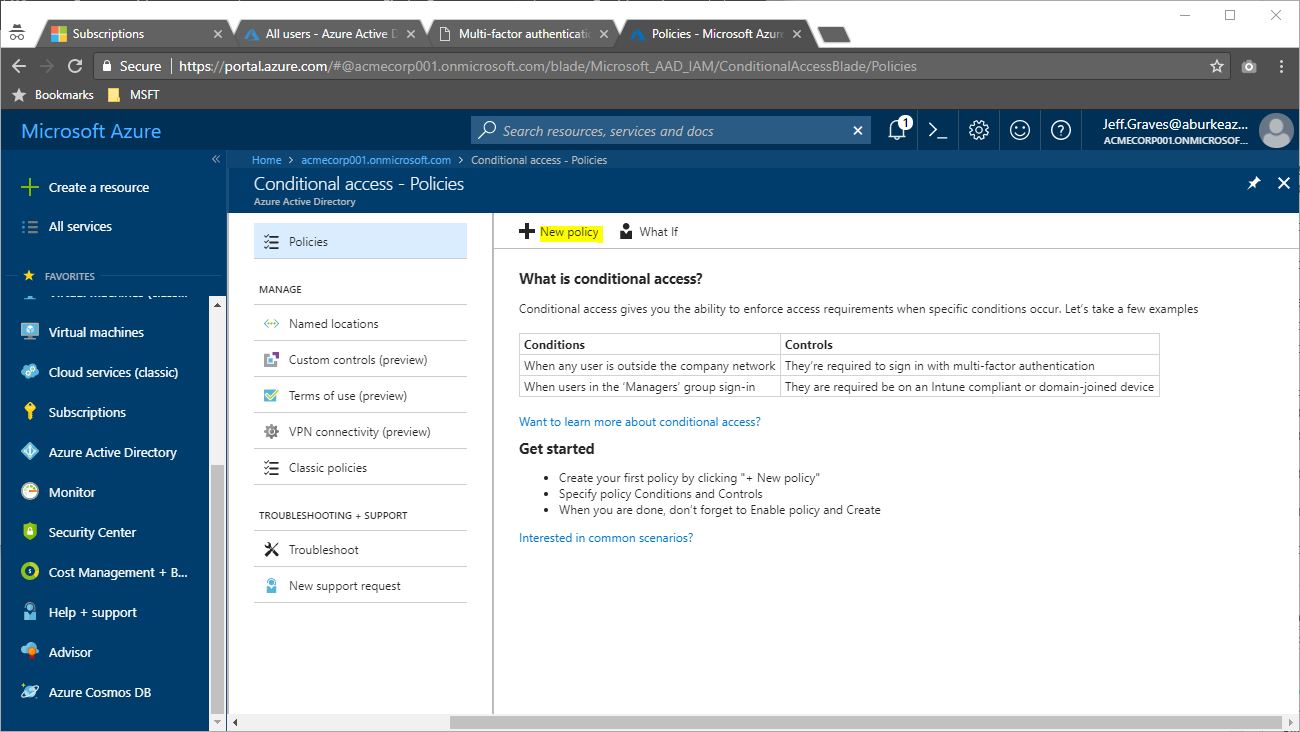
- Next, we’ll create a policy that enforces MFA for all users when managing Azure. Select New Policy.
- Configure the policy to apply to All users, select the Microsoft Azure Management cloud application and Require multi-factor authentication under Grant access. Switch the policy On under Enable Policy, then click Create.
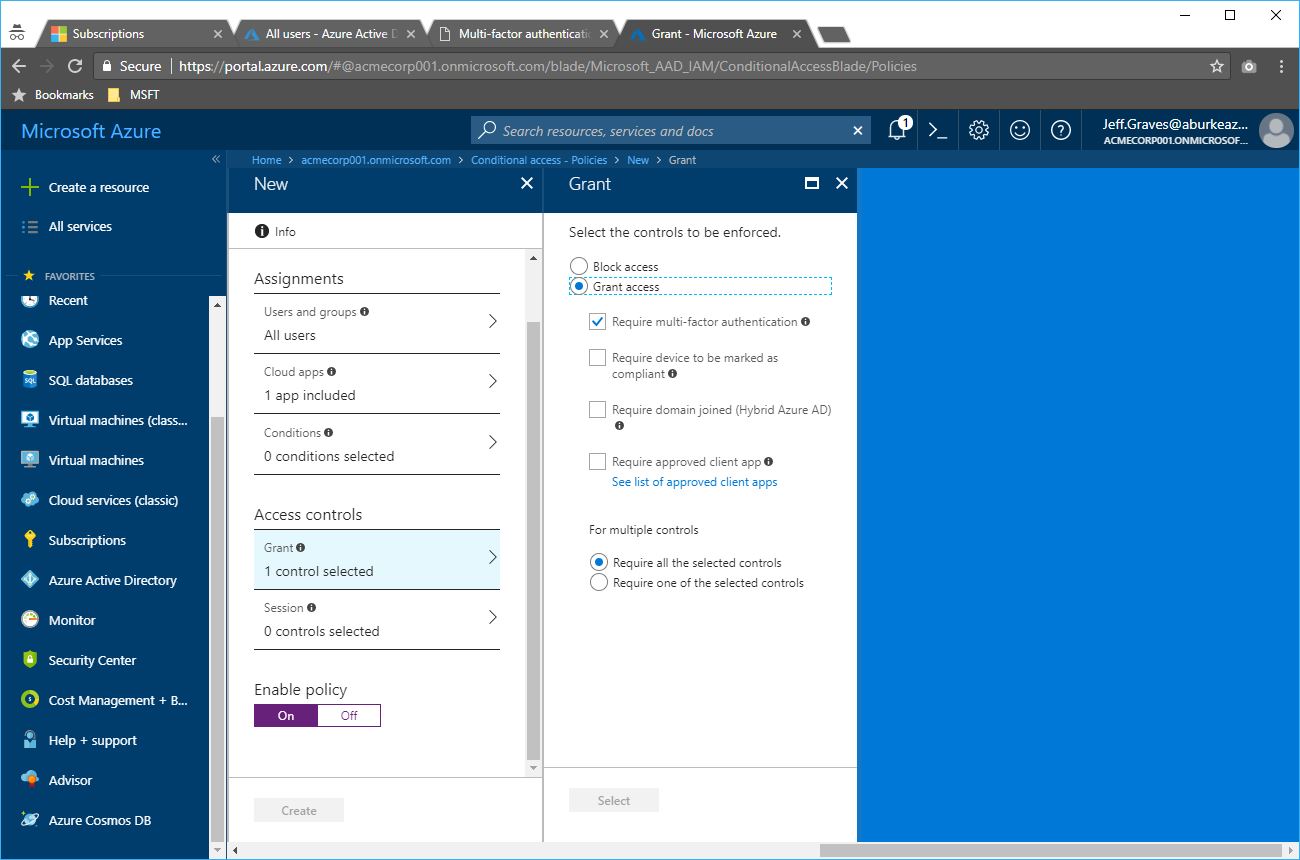
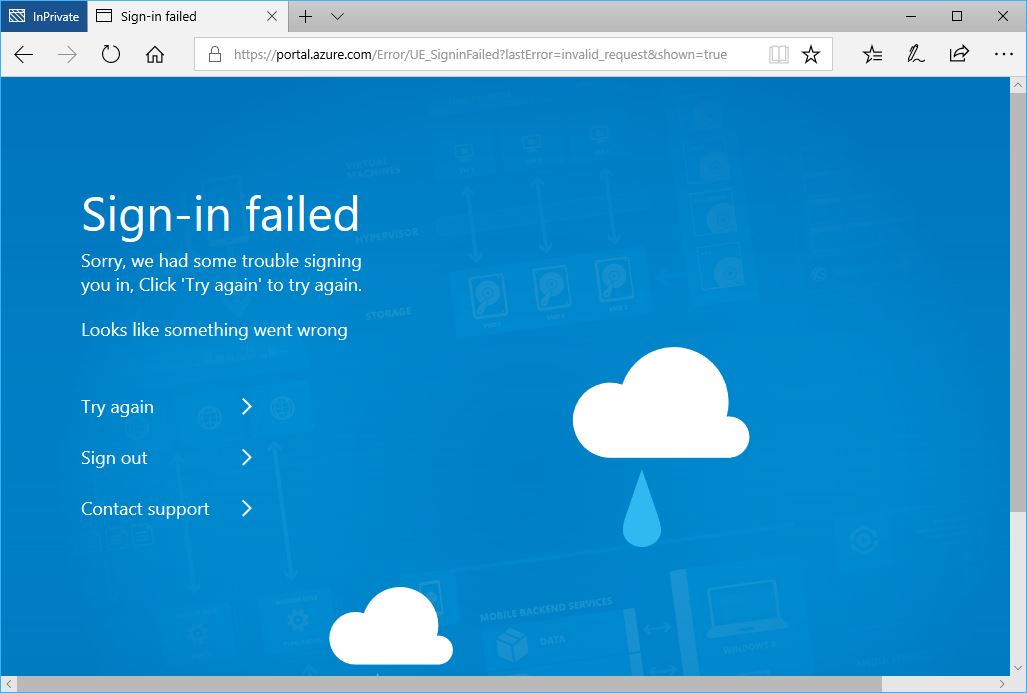
Now, MFA will be enforced any time a user attempts to manage Azure – including a partner’s AAD users. Note that the partner’s users can use the shortcut URL (https://portal.azure.com/tenant.onmicrosoft.com) only if they have already authenticated using MFA. If they have not authenticated using MFA and attempt to access the portal or PowerShell on behalf of the customer, the sign-in will fail.